BMW Battery Registration: Why Your New Battery Dies Early Without It
You bought a good battery, fitted it carefully, and tightened everything to spec — and eighteen months later it’s dying. Again. Before you blame the battery brand, consider the step most DIYers miss: BMW battery registration. On virtually every BMW built since 2002, the car adapts charging to the battery’s age and chemistry. Swap in a fresh battery without telling the computer, and it keeps charging the new one as if the old battery were still there — killing it in one to two years instead of four to seven.
This guide owns one job: the post-replacement registration procedure — what it does, the tools, the DIY steps, the costs. It doesn’t duplicate our sibling guides: for the ‘increased battery discharge’ warning and what to do now, start there; for a BMW battery that keeps dying after replacement, that’s drain diagnosis, not registration.
The short answer
BMW battery registration is the process of telling your car’s computer that a brand-new battery has been installed. It resets the old battery’s charging history so the car builds a fresh, correct charging profile. It takes minutes with an OBD app or scan tool, and it’s required on virtually every BMW built since 2002.
In this guide
- What registration actually does
- Registration vs coding vs programming
- What happens if you skip it
- Battery specs you must match
- Tools that can do it
- DIY: the app method
- The shop method
- E90, F30, G20 notes
- Cost: DIY vs indie vs dealer
- Troubleshooting
- Safety and prerequisites
- FAQ
What battery registration actually does
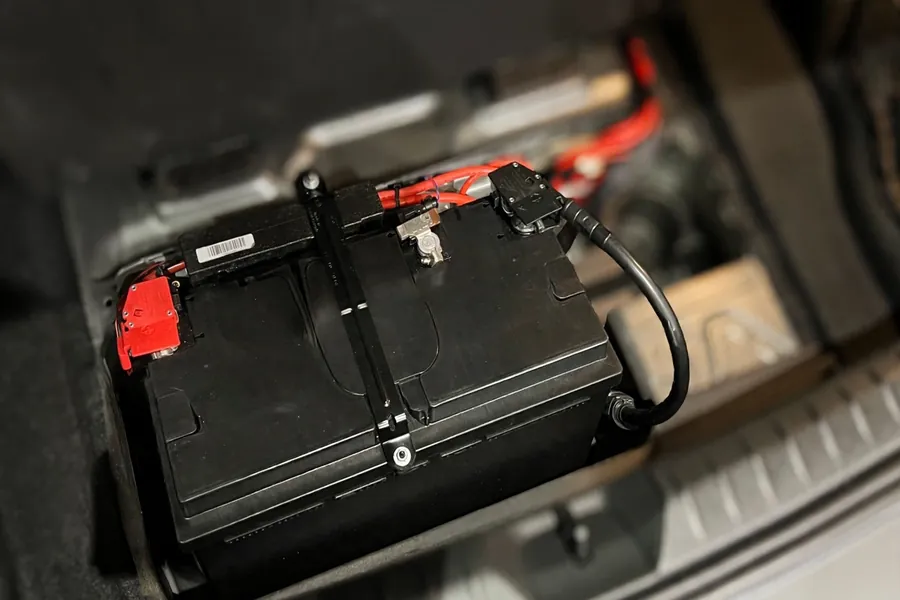
The key player is the Intelligent Battery Sensor (IBS) — a small module clamped to the negative battery cable that continuously measures voltage, current, and temperature for the engine computer (the DME). Using that data, the car adapts alternator output: as a battery ages and loses capacity, charging gets more aggressive to keep it healthy — and the alternator only works as hard as needed, which saves fuel.
Registration tells the DME a new battery is installed, so it discards the old battery’s history and starts a fresh profile — resetting stored capacity, storing the odometer reading, and deleting accumulated voltage, current, charge-level, and temperature statistics.
Without registration, the car applies the aged battery’s charging strategy to the fresh battery. As BimmerTech’s registration guide explains, the DME must know a new battery is installed so it resets old statistics instead of charging the new one as though the previous battery were still in place.
An honest caveat: sources disagree on whether the new battery gets overcharged or undercharged on the old profile. The mechanism isn’t disputed — only the dominant direction. Either way the outcome is chronic mischarging that shortens the new battery’s life. Any guide stating one direction as settled fact is overstating the evidence.
Registration vs coding vs programming: three different things
Forums constantly conflate these terms, and mixing them up is how batteries end up half-configured. They are three distinct procedures:
| Term | What it actually does | When you need it |
|---|---|---|
| Registration | Tells the DME a new battery with the same specs is installed; wipes the old battery’s age and charging history | Every battery replacement — even an identical one |
| Coding | Reconfigures the charging system for different specs: capacity (Ah) or chemistry (lead-acid ↔ AGM) | Only when the new battery’s type or capacity differs — always done before registering |
| Programming (software flash) | Updates control-module software itself (e.g. via ISTA/P) | Not part of a battery swap; a separate software procedure |
In practice, apps make the distinction for you: the registration flow typically asks whether the new battery is the same capacity and type or different. If different, code the new specs first, then register. Same specs? Registration alone is the whole job.
What happens if you skip registration
Nothing dramatic happens on day one — the car starts and everything works. The damage is cumulative and silent for months, which is why so many owners learn about registration only after killing a second battery:
- Premature battery death. A battery that should last four to seven years can die in one to two, charged its whole life with the wrong strategy.
- Chronic mischarging. The fresh battery is charged as though it were the aged one it replaced.
- Random electrical gremlins. BMW electronics are voltage-sensitive; improper charging causes dips and spikes behind spurious warning lights, infotainment glitches, and unrelated-looking fault codes.
- Modules shutting down to ‘save’ power. Convinced the battery is weaker than it is, the car may disable non-essentials — windows, mirrors, radio, lighting — to protect starting ability.
- Warranty trouble. BMW’s battery parts warranty has historically excluded batteries installed outside the dealer network without registration.
Tell-tale pattern: a battery needing replacement every year or two with no other symptoms. If that sounds familiar, registration was likely skipped.
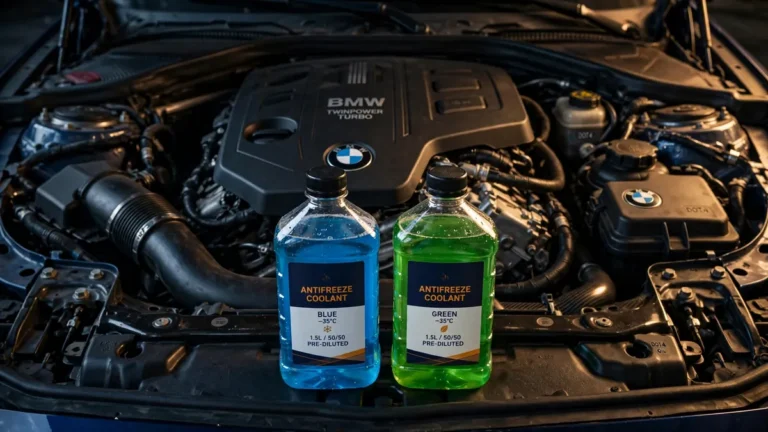
Match the battery specs — or code the change
Registration alone only works for a like-for-like battery. If anything changes, the charging configuration must change too — that’s the coding step above, done before registering.
| Flooded lead-acid | AGM | |
|---|---|---|
| Electrolyte | Liquid acid in vented cells | Acid absorbed in glass mats; sealed |
| How to spot it | Filler caps on top; may be marked ‘flooded’ | ‘AGM’ on the label; flat sealed top |
| Charging profile | Standard charging strategy | Different strategy — the DME must know |
| Switching to/from it | Coding + registration required | Coding + registration required |
Capacity (Ah): match the original amp-hour rating when you can. If you fit a different capacity, code the new value before registering. Owner-community guidance: select the closest available coded value at or below the battery’s rated Ah (e.g. a 95 Ah battery coded as 90 where options are 70/80/90/105) — experienced-owner consensus, not a factory spec. Never code a value above the battery’s rating.
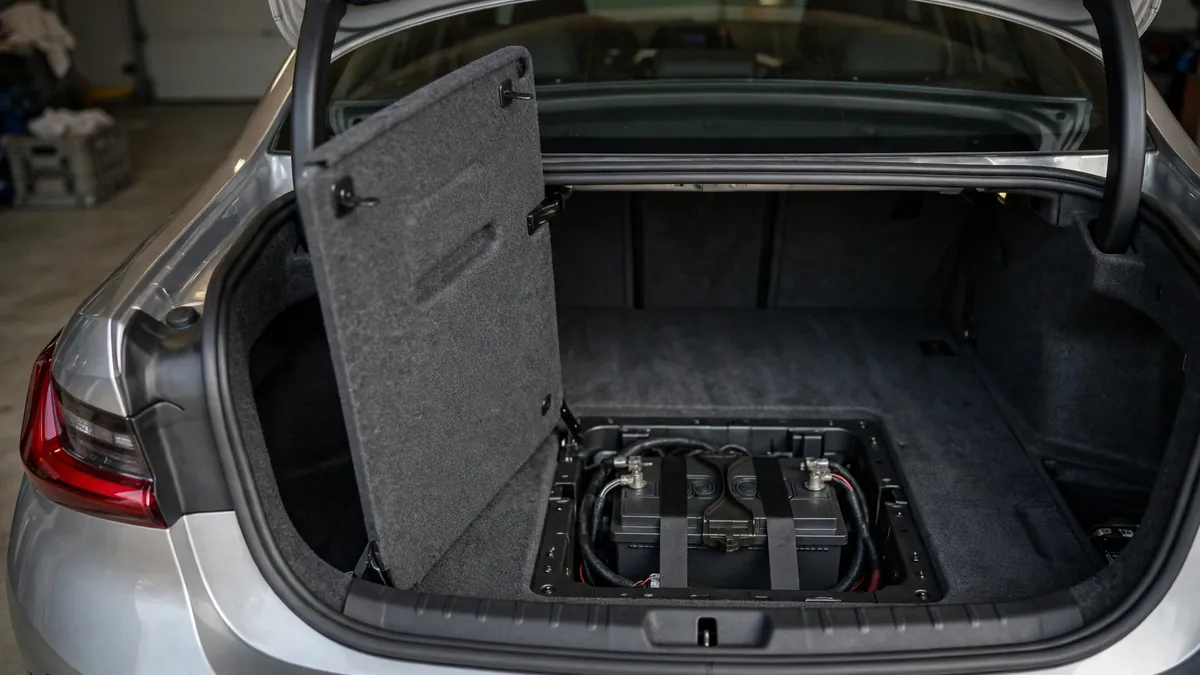
Physical fit and venting: the battery must sit securely with the hold-down fitted — snug, not overtightened (cracked housings leak). A flooded lead-acid battery in the trunk needs its vent hose connected so gases escape outside; AGM batteries are sealed. Photograph the old battery’s label (type, Ah, dimensions) before removal — you’ll need those details for coding.
Tools that can register a BMW battery
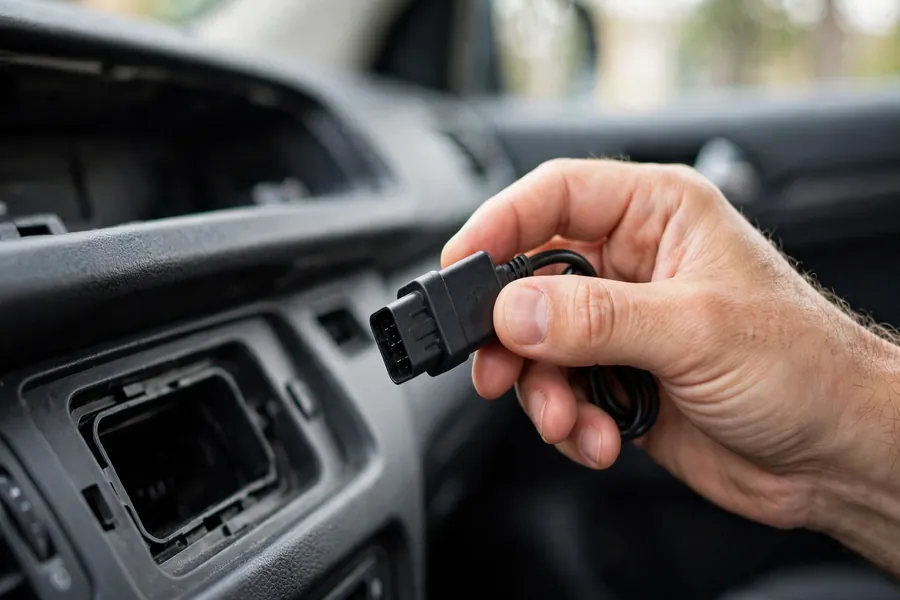
Registration needs a tool that talks to the IBS and DME through the OBD-II port under the driver’s-side dash. The real, currently available options:
| Tool | What it does | Price signal | Best for |
|---|---|---|---|
| BimmerLink (iOS/Android app) | Registers like-for-like batteries; reads/clears codes, resets service items | ~US$30–$40 one-time (owner-reported; varies by region) | DIY same-spec swap |
| BimmerCode (same developer) | Codes a new battery type/capacity — the step before registering | ~US$35–$50 one-time (owner-reported) | DIY when changing specs |
| Carly (app + dongle) | Battery registration on supported models, plus diagnostics | Subscription ~US$60/yr + dongle ~US$100 (reported) | Phone-based all-rounder |
| Foxwell NT510 Elite (handheld scanner) | Registration (same type/capacity); full-system diagnostics | One-time purchase, no subscription; lifetime updates advertised | DIY without relying on a phone |
| ISTA+ (BMW dealer software) | Registration, coding, and full diagnostics | Shop equipment — not a consumer purchase | Dealer / specialist visits |
BimmerLink’s official feature page lists battery registration — ‘register a new battery after replacement’ — alongside its diagnostics and service functions, making it the default recommendation for a straightforward DIY swap. Whichever route you choose, buy the full/paid version: free downloads let you browse menus but won’t perform service functions. And you’ll need a compatible Bluetooth or Wi-Fi OBD adapter (roughly US$20–$40) — check the app’s supported-adapter list, not just the cheapest generic dongle.
DIY walkthrough: the app method
The typical flow in a battery-registration app (BimmerLink-style). Menu names vary between apps and versions — follow on-screen prompts where they differ:
- Finish the physical install first. Battery seated, hold-down secure, terminals clean and tight — positive on first, negative on last. Charge a shelf-sitting battery beforehand; registration can fail on a half-flat one.
- Plug the OBD adapter into the OBD-II port under the driver’s-side dash and pair it with your phone.
- Ignition on, engine off. Press start without your foot on the brake (or key to run) so modules are awake.
- Open the app, connect, and find the battery menu (usually ‘12V battery’ or ‘battery registration’).
- Answer the spec question. Same capacity and type? Proceed. Different? Stop — code the new type/capacity first (e.g. with BimmerCode), then come back and register.
- Tap Register and wait for the confirmation — typically well under a minute.
- Verify. Confirm the app shows the new registration (many apps display date/mileage), clear stale battery fault codes, start the car, and check for warnings.
Tip: screenshot the app’s confirmation screen. If a battery issue ever becomes a warranty claim or shop dispute, that timestamped proof is invaluable.
The shop method: what to ask for
If you’d rather not DIY, any competent BMW independent specialist can do this with ISTA or equivalent dealer-level software — and so can the dealer, at dealer prices. Say exactly: ‘Please replace the battery and register the new one — and code the type and capacity if it differs from the original.’ Explicitness matters: registration is the step general shops most often skip.
Verify it: ask to see the battery menu in their diagnostic software with the new registration recorded. One honest note — a same-spec registration genuinely takes about a minute with the right tool, so don’t judge by the stopwatch. Judge by whether they opened the battery/IBS menu: a shop that never connects a scan tool didn’t register anything.
Generation notes: E90, F30, and G20
The requirement is the same across generations; the tooling changed:
- E90 (2006–2011): IBS standard, so registration is required. These cars predate the app era — historically a dealer/ISTA or enthusiast-cable job — but modern apps support them today.
- F30 (2012–2019): the DIY sweet spot. Full app support (BimmerLink/BimmerCode) and the largest body of owner walkthroughs.
- G20 (2019+): registration still required and the procedure is the same, but power management is more deeply integrated. Verify your exact model/year is listed as supported before buying any app or adapter.
- Before ~2002 (no IBS): no adaptive charging, nothing to reset — no registration needed. Unsure? Look for the sensor module clamped to the negative battery cable.
What it costs: DIY vs independent vs dealer
The battery dominates the bill; registration is cheap or free once you have the tool. Reported US bands:
| Route | Battery (parts) | Registration | Typical total |
|---|---|---|---|
| DIY (app + adapter) | ~$200–$300 (AGM battery) | ~$30–$40 app + ~$20–$40 adapter; $0 per use after | ~$250–$400 all-in |
| Independent BMW specialist | Included in the quote | Included, or a small standalone fee | ~$250–$400 reported |
| Dealer | OEM battery, premium pricing | ~$200+ in labor reported | ~$400–$700+ reported |
The DIY route pays for itself the first time if you reuse the app and adapter for other jobs (code reading, service resets). The dealer’s premium is mostly labor rate, not a different procedure: owner-reported dealer labor quotes for battery replacement with registration run roughly $250–$500, with occasional all-in quotes higher. Whatever route you choose, confirm before authorizing work that registration — and coding, if specs changed — is included in the price.
Troubleshooter
Registration usually ‘just works’ — when it doesn’t, the cause is almost always one of these three. Pick yours:
The registration step itself errors out or won’t complete. Work through this checklist:
- Adapter compatibility: is your OBD adapter on the app’s supported list? Generic dongles are the #1 cause of failures.
- Ignition state: ignition on, engine off — a running engine or asleep car will refuse the procedure.
- Battery charge: new batteries aren’t always fully charged off the shelf — charge it first; low voltage causes failures.
- App and chassis support: update the app and verify your exact model/year is supported.
- Spec change coded? If the new battery differs in type or capacity, code it first — registration may refuse otherwise.
Registration succeeded, but the battery keeps going flat. Registration cannot fix a drain or charging fault — it only calibrates charging for a healthy system:
- Have the charging system tested — alternator output and the IBS itself.
- Battery dying while parked signals parasitic drain — see our recurring-drain diagnosis guide.
- For a dashboard battery message, read what the ‘increased battery discharge’ warning means.
The battery is in, but its chemistry or capacity doesn’t match what the car is coded for (e.g. flooded where AGM was coded, or vice versa):
- Code the correct type and capacity first (BimmerCode, Foxwell, or ISTA shop), then register. Order matters.
- Do it promptly — the wrong charging profile is exactly the mischarging that kills batteries early.
- Unsure what’s coded? A BMW specialist can read the battery configuration in minutes — cheaper than a second dead battery.
Safety and prerequisites
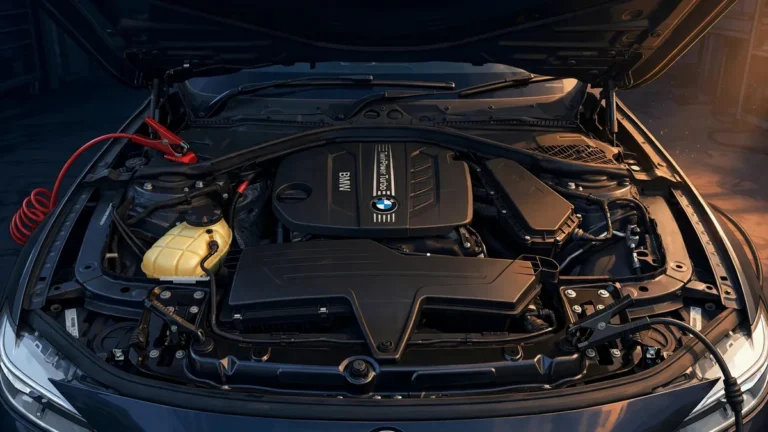
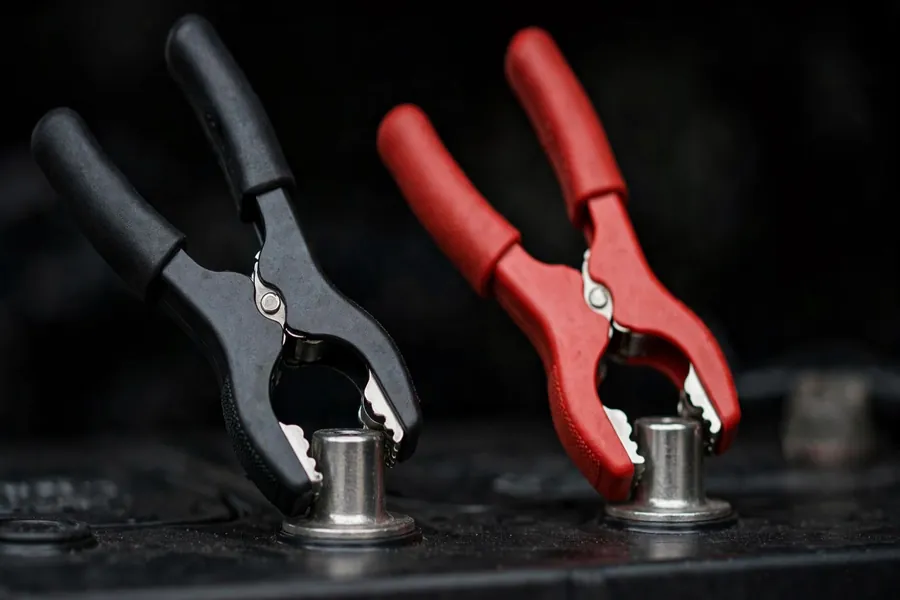
Safety first: batteries produce hydrogen gas and contain corrosive acid. Work ventilated, wear eye protection, keep sparks away, and never short the terminals. If the old battery can’t even move the car, jump-start your 3 Series first.
- Terminal order: negative off first; when installing, positive on first, negative on last.
- Protect the IBS: the sensor module lives on the negative cable — don’t yank, twist, or hang tools off it.
- Secure the battery: refit the hold-down firmly but don’t overtighten — cracked housings leak.
- It’s heavy: a 3 Series AGM battery weighs 20+ kg — lift with your legs and mind the trunk lip.
- Recycle the old one: return it to the parts store for the core-charge refund — lead-acid batteries must not go in household waste.
Registration is the small, invisible job separating a seven-year battery from a two-year one. Do it the same day as the swap. For more, browse the Maintenance & DIY hub or the BMW 3 Series complete guide.
Frequently asked questions
Method: procedure cross-checked against the BimmerTech guide, the official BimmerLink feature page, a Foxwell NT510 walkthrough, and owner-forum reports. Costs are reported US ranges; app/shop prices are owner-reported and vary — verify listings before buying. Last verified: September 2026.