Is the My BMW App Worth Setting Up?
The My BMW app turns your phone into a second key, a remote control, and a service desk for your car — but only if your car’s hardware and ConnectedDrive contract support the feature you want. This guide maps the full feature set, explains which cars get Digital Key versus Digital Key Plus, lays out what’s free and what needs a subscription, and walks through setup and common fixes.
The short version: the app itself is free, remote services like lock/unlock and vehicle finder work on most ConnectedDrive-era BMWs (2014 and newer) while their services contract is active, and the phone-as-key feature splits into two technologies — NFC Digital Key on newer Comfort Access cars, and ultra-wideband Digital Key Plus on select models only. Notably, the 3 Series doesn’t get Digital Key Plus.
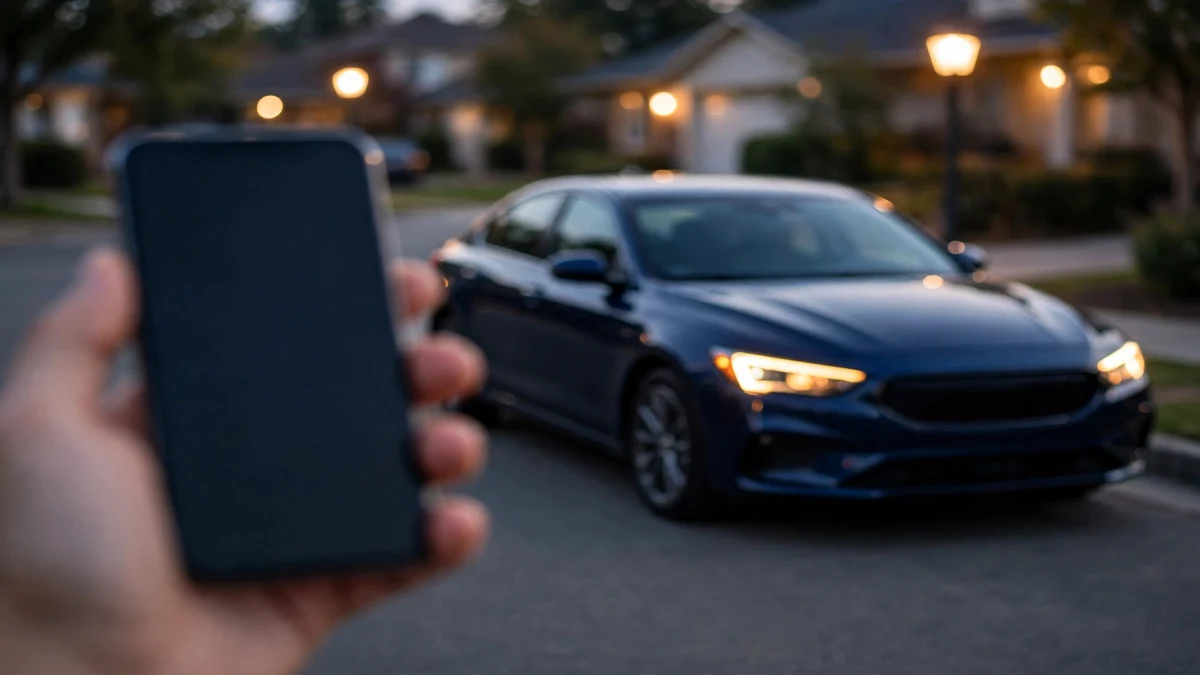
The My BMW app is BMW’s free smartphone app for managing your car: remote lock and unlock, climate pre-conditioning, vehicle location, fuel and tire-pressure status, remote engine start (select models), remote camera view, EV charging management, service booking, and the BMW Digital Key. It replaced BMW Connected on June 30, 2021. Core remote features follow your ConnectedDrive services contract — typically included for the first years, then renewable through the app’s ConnectedDrive Store — while extras like BMW Digital Premium in the US are a monthly or annual subscription.
In this guide
- From BMW Remote to My BMW: the short history
- What the app can actually do
- What can YOUR BMW do? Capability checker
- Digital Key vs Digital Key Plus: the model-by-model truth
- What’s free, what’s subscription, what’s one-time
- Setting up the My BMW app, step by step
- Setup troubleshooting picker
- The battery question: do remote services drain the battery?
- Privacy and data: what the app knows
- Frequently asked questions
From BMW Remote to My BMW: the short history
BMW’s phone apps have gone through three generations, and knowing which era your car belongs to explains a lot of the confusion. In the early 2010s there was My BMW Remote, a basic app that could lock doors, flash headlights and show vehicle location. In 2016 BMW replaced it with BMW Connected, which added destination sending, trip planning and a much deeper look at vehicle status.
Then came the reset. BMW launched the new My BMW app in the US on April 12, 2021, and the BMW Connected app was shut down completely on June 30, 2021, per BMW Group’s own announcement. If the old blue icon is still on your phone, it hasn’t worked in years — delete it and install My BMW. Your existing BMW ID carries over; nothing about your car or contract changes.
The naming still confuses people: help articles and forums often say “BMW Connected” when they mean the My BMW app, while the underlying services are still called ConnectedDrive. Think of it this way — ConnectedDrive is the services contract between your car and BMW’s servers; My BMW is the phone app you use to reach those services. The app is free, works best with 2014-and-newer BMWs, and even has a demo mode with sample cars if you don’t own one yet.
What the app can actually do
The feature list is long, and — this is the part BMW’s marketing glosses over — every item below is gated by your car’s hardware, model year, and whether its ConnectedDrive services are active. The app only shows the features your VIN qualifies for: if a button isn’t there, your car doesn’t support it.
Remote commands
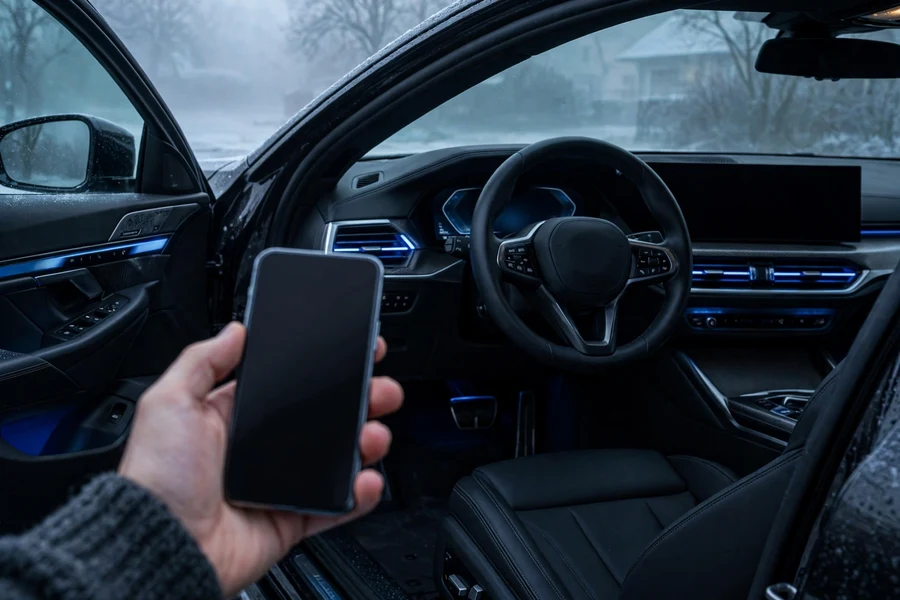
These are the commands the app sends to the car over the cellular network — they work from anywhere with phone signal, not just Bluetooth range:
- Remote lock and unlock — lock or unlock the doors from anywhere. The single most-used feature across the app’s 13 million users, per BMW’s own figures.
- Climate pre-conditioning — schedule or immediately activate heating or cooling before you get in. Timed auxiliary ventilation/heating on combustion cars; battery pre-conditioning on EVs and plug-in hybrids.
- Remote engine start — start the engine remotely on select models and markets. The car stays locked and shuts off after about 15 minutes or when you unlock it.
- Horn and lights — sound the horn and flash the headlights to find the car in a crowded lot.
- Remote 3D View — pull live images from the surround cameras, including the interior, on properly equipped vehicles. The app can also alert you if the alarm triggers or the parked car is hit.
- Doors, windows, trunk — check lock and window status; open and close windows and the trunk on later-generation vehicles.
Status and information
The passive side of the app is arguably more useful day to day than the remote commands:
- Vehicle status — fuel or charge level, remaining range, tire pressure, mileage, open doors or windows, and check-control messages.
- Vehicle finder — the car’s location on a map, with walking directions. Note the privacy design: the finder only works with the ignition off, so it can’t track a moving car.
- Service and maintenance — upcoming service reminders, dealer appointment booking from the app, and service history.
- Send destinations to the car — search for an address, charging station or parking spot on your phone and push it to the car’s navigation.
- Charging management (EV/PHEV) — charging-optimized route planning with custom charging stops, a Charging Wallet for managing tariffs, charging history and timed charging windows.
- Remote Software Upgrades — over-the-air iDrive updates from iDrive 7 onward.
- Widgets and Apple Watch — home-screen widgets for quick status, plus Digital Key support on compatible Apple Watches.
Two honest limitations: remote climatization can’t fix a broken air-conditioning system — if your car blows warm air in person, see the air-conditioning diagnosis guide instead of blaming the app. And every remote command needs the car to have cellular signal; in underground garages with no reception, commands queue and fail silently.
What can YOUR BMW do? Capability checker
Pick your car’s details and the checker tells you which My BMW features it supports, whether it gets Digital Key Plus or only the NFC Digital Key, and what your services contract status likely is. Always confirm against the ConnectedDrive Store for your exact VIN.
My BMW capability checker
Select your car — get the feature verdict, Digital Key status, and services note.
Digital Key vs Digital Key Plus: the model-by-model truth
BMW's phone-as-key system comes in two flavors that look identical in marketing but behave very differently in your hand. Getting this wrong is the single biggest source of disappointment in app reviews, so here it is precisely.
The standard NFC Digital Key
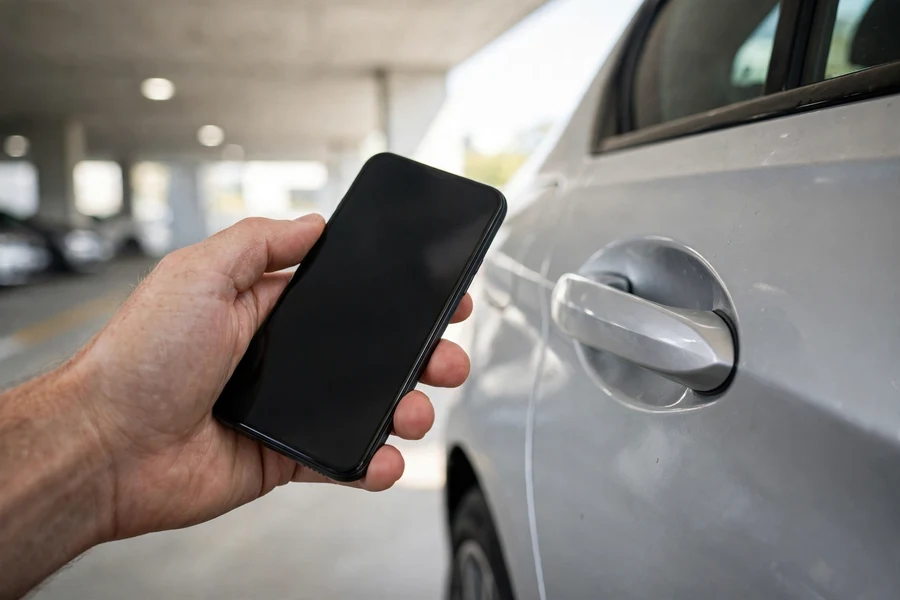
BMW introduced the smartphone as a digital vehicle key in 2018, with iPhone support arriving in January 2021. The standard Digital Key uses NFC — the same technology as contactless payments — and works like this: hold your phone against the driver's door handle to lock or unlock, then place the phone on the wireless charging tray to start the engine. It's deliberate and proximity-based; it won't unlock as you walk up.
Availability: the NFC Digital Key is an option (BMW option code 3DK) on Comfort Access-equipped cars from the iDrive 7 generation onward — which is why a 2021 3 Series with Comfort Access gets it. On the phone side, BMW's official compatibility list covers iPhone XS, XR and newer (iOS 13.6 or later) plus Apple Watch Series 5 and later, alongside select Samsung, Google, Motorola, Xiaomi, OnePlus and OPPO devices. Keep the credit-card-size NFC key card in your wallet as backup — not in the car.
Digital Key Plus (ultra-wideband)
Digital Key Plus adds ultra-wideband (UWB) radio on top of NFC. The practical difference: the phone stays in your pocket. The car unlocks as you approach, locks as you walk away, and starts with a button press. UWB also gives precise localization and resistance to relay attacks — the theft technique that amplifies a key fob's signal from inside your house.
Here is where careful labeling matters, because Plus requires hardware the factory had to install. Per BMW's official Digital Key compatibility document (December 2025 revision), Digital Key Plus is offered on the following models with the Comfort Access option, from the stated build dates: 1 Series (from 07/24), 2 Series Active Tourer (from 11/21), 2 Series Gran Coupé (from 11/24), 5 Series and i5 Saloon (from 07/23), 5 Series and i5 Touring (from 03/24), 7 Series and i7 (from 07/22), M5 Saloon (from 07/24), M5 Touring (from 11/24), iX (from 07/21), X1 and iX1 (from 07/22), X2 and iX2 (from 11/23), X3 (from 08/24), X5 and X5 M (from 04/23), X6 and X6 M (from 04/23), X7 (from 08/22), and XM (from 12/22).
Read that list again and notice what's missing: the 3 Series and 4 Series are not on it. A G20 3 Series with Comfort Access gets the standard NFC Digital Key but can never be upgraded to Digital Key Plus — the UWB hardware isn't there. This is the detail most third-party "BMW Digital Key" articles get wrong.
Phone requirements for Plus are stricter: iPhone 11 or newer (the first iPhones with the U1 UWB chip) running iOS 15 or later, or Apple Watch Series 6 and newer; on Android, UWB-capable flagships such as Samsung's Galaxy S21+/S22+/S23+/S24+ series and Z Fold lines, Google Pixel 6 Pro and newer Pro models, and Motorola's Edge 50 Ultra. If your phone lacks UWB, the car simply falls back to the standard NFC Digital Key.
One practical note: if your key fob is acting up and you're eyeing the phone as your primary key, read the key fob troubleshooting guide first — a weak fob battery causes symptoms people often blame on the app.
What's free, what's subscription, what's one-time
BMW's digital-services pricing differs by market, model year and equipment, so here is the honest framework — no invented prices, because BMW moves the numbers regularly.
| Category | What it covers | How you pay |
|---|---|---|
| The app itself | My BMW download, BMW ID account, vehicle status basics, demo mode | Free — always |
| ConnectedDrive services | Remote Services (lock/unlock, finder, climatize), real-time traffic, concierge, in-car internet services | Bundled for the first years on new cars (commonly three); renewals via the ConnectedDrive Store, priced per market and term |
| BMW Digital Premium (US) | Advanced map content, in-car third-party apps, games, video streaming, extra drive modes and welcome animations — on top of Digital Standard | Monthly or annual subscription, bought in the app, My BMW Garage, or the in-car store |
| ConnectedDrive Store upgrades | One-time vehicle functions matched to your VIN: Remote Engine Start, drive recorder, heated seats, adaptive suspension and similar, where the hardware exists | One-time purchase per vehicle; only offered if your VIN's hardware supports it |
| Map updates | Over-the-air or USB navigation map refreshes | Subscription or one-time, varies by market |
| Safety services | Automatic emergency call (eCall) and related safety functions | Typically included on their own longer terms — check the app |
The US structure is the clearest documented example: BMW USA's ConnectedDrive Service Availability Matrix splits offerings into BMW Digital Standard (the core included set) and BMW Digital Premium (the paid tier with advanced navigation content, entertainment apps, games and extra vehicle personalization). Digital Premium is sold as a monthly or annual subscription, and the matrix shows availability per model — each line item says "subject to availability" for a reason.
Three rules of thumb hold across markets. First, the app never charges you to look at your car — the subscription question only arises for remote commands and premium content after the included term ends. Second, you cannot buy your way into hardware you don't have: no subscription adds Digital Key Plus to a G20, heated seats to a car without the elements, or remote services to a car whose cellular module died in the 3G sunset. Third, used-car buyers should check, not assume — an expired contract on a 2018 car greets you with a renewal prompt, not a free lunch.
The fastest way to see your exact position: open the My BMW app, go to the ConnectedDrive Store (or Services & Store tab), and look at what's listed for your VIN. That's the authoritative price list for your car in your market.
Setting up the My BMW app, step by step
Setup takes about ten minutes when everything cooperates, and the sticking points are always the same two: the car needs to be awake and online, and the BMW ID email has to match the one the car knows. Do it in the car, with the ignition on.
- Download and sign in. Install My BMW from the App Store or Google Play and sign in with your BMW ID. No BMW ID yet? Create one with the email address you want tied to the car — changing it later means re-linking everything.
- Add the vehicle. Tap "Add vehicle" and enter the full 17-digit VIN. The app confirms the model and asks you to verify.
- Fetch the security code. The car generates a one-time code and delivers it to iDrive under BMW Messages. The car must be in radio-ready or running state with cellular reception — an underground garage with no signal is the number one reason the code never arrives.
- Enter the code and enable Remote Services. Type the code into the app and confirm "Enable remote services." The app also asks for a 4-digit PIN used to authorize sensitive commands like unlocking.
- Accept the privacy terms in the car. iDrive shows a data-privacy prompt for ConnectedDrive data transfer. Nothing remote works until you accept it in the vehicle — the app alone isn't enough.
- Add the Digital Key (optional). With Comfort Access and a compatible phone, the app offers to set up the Digital Key: hold the phone to the door handle area as instructed, then place it on the charging tray. Keep the physical key and the NFC key card accessible during setup.
- Wait for the first sync. Give it 5–10 minutes and one drive cycle for status fields to populate; remote commands respond within seconds when the car is awake.
Used-car buyers get one extra step: the previous owner must release the car from their BMW ID (their app's vehicle settings, or a dealer with proof of ownership) before your VIN entry is accepted. A VIN rejected with no useful error is usually an ownership handover issue — not a broken app.
Setup troubleshooting picker
Pick the symptom that matches and get the fix sequence in order — most app problems are resolved in the first two steps.
What's going wrong?
Pick your symptom for the fix sequence.
| Symptom | Most likely cause | First thing to try |
|---|---|---|
| Pairing the phone for calls drops constantly | Stale Bluetooth pairing, not the app | Delete the phone from iDrive and the car from the phone, then re-pair — the iDrive Bluetooth guide covers every generation |
| App shows the car in the wrong location | Last-known position from before a garage or tunnel | Drive in the open so the car gets a GPS fix, then pull to refresh |
| "No remote services" banner after years of working | ConnectedDrive contract expired | Renew Remote Services in the ConnectedDrive Store for your VIN |
| Digital Key worked, then stopped after a phone update | Wallet/key re-provisioning after major OS updates | Re-add the key in the app with the physical key present; check BMW's compatibility list for the new OS |
| Remote commands work for lock but not climate | Climate needs the car awake and a healthy battery | Check battery health first — low voltage disables pre-conditioning before anything else |
The battery question: do remote services drain the battery?
Not directly — but the app can reveal and worsen a battery that's already weak. Every remote command wakes the car's telematics module, and a car that gets pinged repeatedly (or fails to sleep) draws down the 12-volt battery faster. BMW's power management refuses remote pre-conditioning before it refuses to start the engine — which is why "climate worked yesterday, nothing works today" is a classic low-battery signature.
If the app shows an Increased Battery Discharge warning, treat it as a car problem, not an app problem: read the battery discharge warning guide and the battery keeps dying diagnosis. Two habits help: don't hammer the refresh button every few minutes (each poll wakes the car), and if the car sits for weeks, check on it every few days rather than leaving it perpetually half-awake. After a battery replacement, the new battery must be registered to the car or power management miscalculates charge state.
Privacy and data: what the app knows
ConnectedDrive only works if the car reports its position, status and usage to BMW's servers, and you consent to that data transfer in the car's privacy menu during setup. You can adjust what's shared in iDrive's data-privacy settings at any time, and the connection can be disabled through a dealer — but doing so turns off essentially every ConnectedDrive feature. The vehicle finder is deliberately limited to a parked, ignition-off car so it functions as a parking aid rather than a tracker.
Worth knowing before you sell the car: remote services follow the car, not your phone. Delete your vehicle from the My BMW app and use iDrive's "Delete personal data" function so the next owner doesn't inherit your service history, destinations and Digital Key slots.
Frequently asked questions
Yes to both. The My BMW app is free, and it fully replaced the old BMW Connected app on June 30, 2021 — the old app no longer works. Your BMW ID carries over, but remote features depend on your car's ConnectedDrive services contract: bundled for the first years on new cars, renewable through the app's ConnectedDrive Store after that.
No. The 3 Series (including the G20) supports the standard NFC Digital Key with Comfort Access — hold the phone to the door handle to unlock, place it on the charging tray to start — but it lacks the ultra-wideband hardware for Digital Key Plus. Per BMW's official compatibility document, Plus is limited to select models (5 and 7 Series, iX, X1, X3 from 08/24, X5, X7, XM from the stated build dates) and cannot be retrofitted.
The most common reason is an expired ConnectedDrive contract — new cars include remote services for the first years, then renewal happens in the app's ConnectedDrive Store for your VIN. On 2014–2016 cars, it's more likely the 3G network shutdown, which permanently ended cellular services there. Check the Store: if it offers a renewal for your VIN, it's a contract issue; if remote services aren't listed at all, it's hardware.
Don't count on it. Keep the credit-card-size NFC key card in your wallet as backup — it unlocks and starts the car without a phone. The physical fob remains the primary key for a reason: the phone is a convenience layer, and a dead battery or failed OS update can wipe the digital key.
The app itself runs on recent iOS and Android phones. NFC Digital Key needs iPhone XS/XR or newer (iOS 13.6+), Apple Watch Series 5+, or a supported Samsung, Google, Motorola, Xiaomi, OnePlus or OPPO device. Digital Key Plus needs an ultra-wideband phone: iPhone 11 or newer with iOS 15+ (or Apple Watch Series 6+), or a UWB flagship such as Galaxy S21+ and newer Plus/Ultra models, Z Fold series, or Pixel 6 Pro and newer Pro models. Without UWB, the car falls back to NFC Digital Key.
The My BMW app earns its home-screen spot once it's set up properly: remote lock and climate for the daily routine, the vehicle finder for unfamiliar parking, and service reminders that keep maintenance on schedule. Just remember the two rules that prevent most disappointment — confirm your exact features in the ConnectedDrive Store for your VIN rather than assuming, and treat the phone as a convenient second key, never the only one. For the full picture of keeping the car behind the app healthy, the complete 3 Series guide and the maintenance schedule pick up where this guide leaves off.